Mobile-First Web Design: Why It Matters and How to Do It
Mobile-first web design is essential for SEO and user experience. Learn what mobile-first means, why Google requires it, and how to design for mobile users.
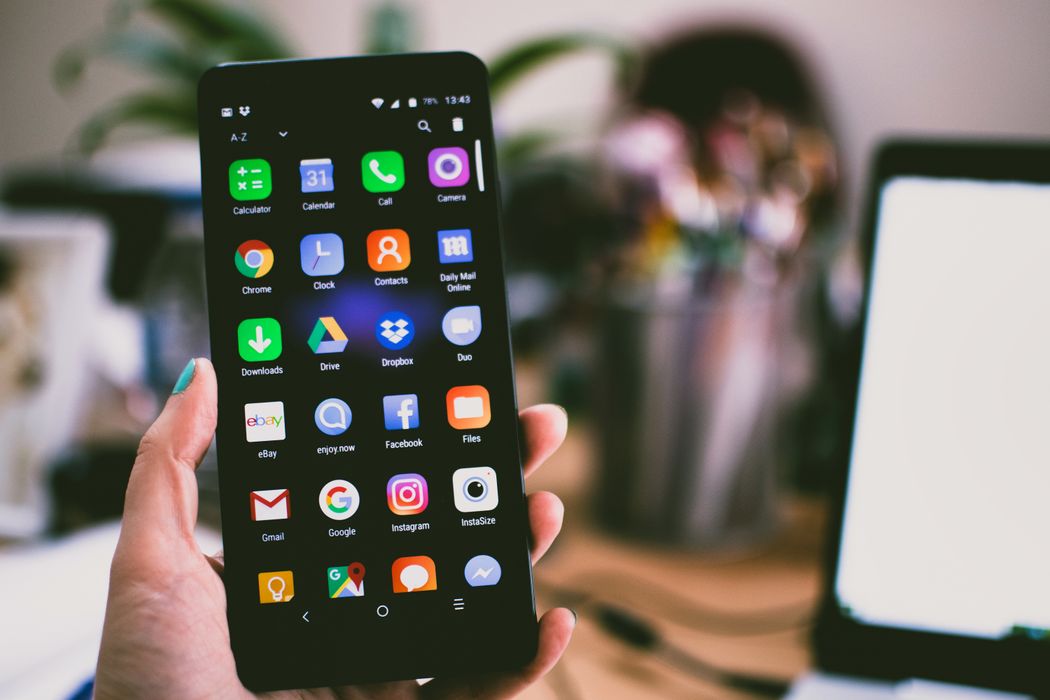
More than 60% of global web traffic now comes from mobile devices. Yet many businesses still design websites with desktop as the primary consideration, treating mobile as an afterthought. This is a critical mistake — both for user experience and SEO.
Mobile-first design means designing for the smallest screen first, then scaling up for larger devices. It’s not just a design preference; it’s now a technical and SEO requirement.
What Is Mobile-First Design?
Mobile-first design is an approach where the design process starts with the mobile version of a website before scaling up to tablet and desktop. This forces designers to prioritize the most essential content and functionality, resulting in cleaner, more focused experiences across all devices.
It’s the opposite of the traditional “desktop-first” approach, where a full desktop design is created and then “responsive” adjustments are made to accommodate smaller screens.
Why Google Requires Mobile-First Thinking
Google switched to mobile-first indexing in 2021, meaning it now primarily uses the mobile version of your website to determine search rankings. If your mobile site has different content, slower speeds, or worse user experience than your desktop version, your rankings will suffer.
This is non-negotiable from an SEO perspective: if your website isn’t excellent on mobile, it won’t perform well in search regardless of how good your desktop version is.
The Business Case for Mobile-First
Beyond SEO, mobile-first design makes business sense:
- Higher conversion rates — Mobile users who have a good experience are far more likely to convert
- Lower bounce rates — Frustrating mobile experiences send users straight back to Google
- Broader audience reach — Especially important in markets where mobile is the primary internet access method
- Future-proofing — Mobile usage continues to grow; optimizing for it now prevents costly redesigns later
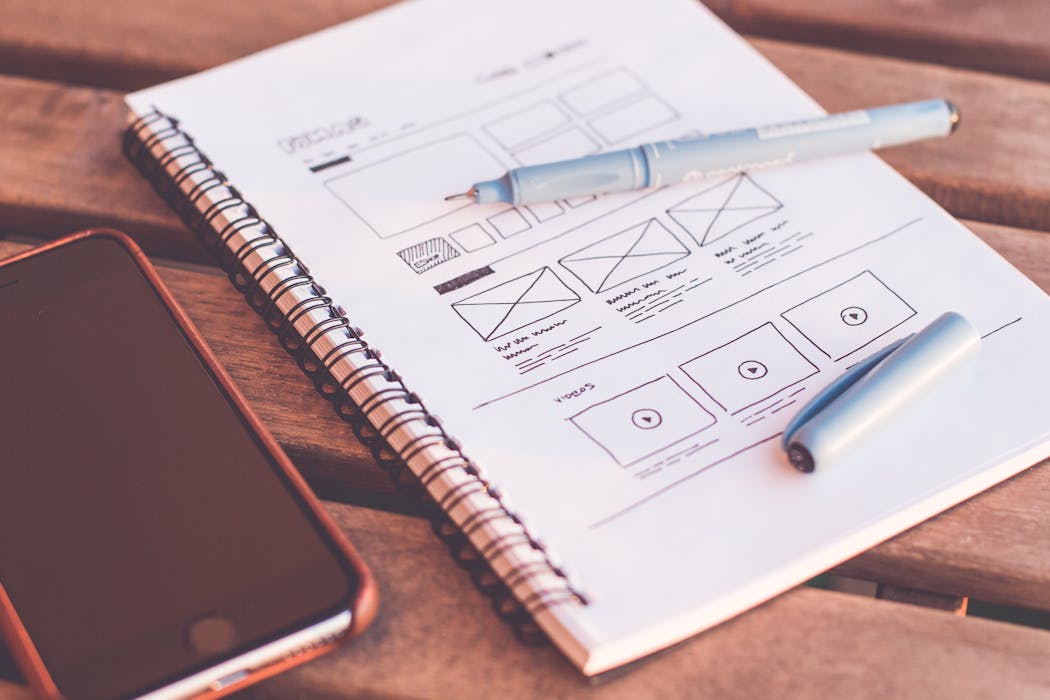
How to Design Mobile-First
Start with Content Hierarchy
On a small screen, you can’t show everything. What are the 2-3 things your user absolutely needs to see first? Build your mobile layout around those, then add supplementary content for larger screens.
Design for Thumb-Friendly Navigation
Mobile users navigate with their thumbs. Key interactive elements should be:
- Large enough to tap accurately (minimum 44x44px)
- Placed in the “thumb zone” — the center and lower portions of the screen
- Not so close together that accidental taps are common
Simplify Navigation
Full desktop navigation menus don’t translate to mobile. Use hamburger menus, bottom navigation bars, or simplified menu structures for mobile. Only include the most important navigation items.
Optimize for Touch
Remove hover-dependent interactions that don’t work on touchscreens. Ensure forms are easy to fill on mobile — use appropriate input types (tel, email, number) to trigger the right keyboard. Avoid requiring users to type long strings of text when possible.
Prioritize Performance
Mobile connections are often slower and less reliable than desktop broadband. Compress all images, minimize JavaScript execution, and use browser caching aggressively. Aim for a mobile LCP under 2.5 seconds.
Use Responsive, Not Adaptive
Responsive design uses CSS media queries and flexible layouts to adapt a single design to any screen size. Adaptive design serves completely different layouts based on detected device. Responsive is the industry standard because it’s easier to maintain and works across all devices.
Testing Mobile-First Designs
Always test your designs on real devices, not just browser developer tools. Chrome’s DevTools mobile emulator is useful for quick checks but doesn’t perfectly replicate real device behavior.
Use Google’s Mobile-Friendly Test (available through Search Console) and PageSpeed Insights to get objective scores on your mobile performance.
Common Mobile-First Mistakes
- Hiding important content on mobile — Don’t hide content behind “See More” toggles just because it doesn’t fit
- Using font sizes too small to read — Minimum 16px for body text on mobile
- Slow mobile page speed — Often caused by oversized images and render-blocking scripts
- Pop-ups that block mobile content — Google penalizes intrusive interstitials on mobile
Mobile-first design is inseparable from modern web design best practices. Our web design services build every website mobile-first as a default — it’s built into our process, not bolted on as an afterthought.